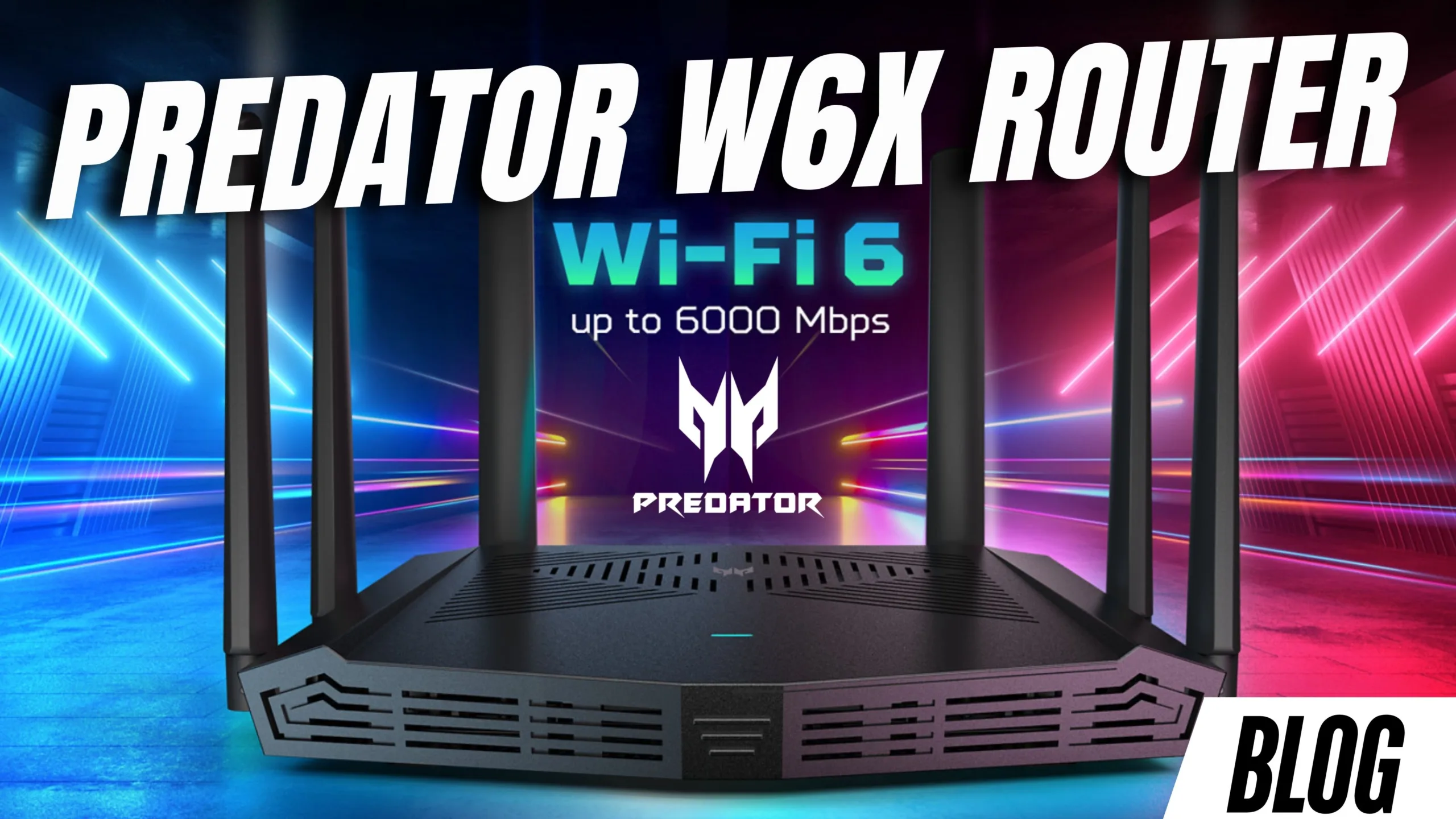
Predator Connect W6X Review: The Best Budget Gaming Router in South Africa?
Nothing ruins a gaming session faster than unstable internet. Lag spikes, disconnects, and buffering can turn even the best online experience into frustration. If you’ve ever wondered whether a gaming-focused router could solve that problem, the ASUS Predator Connect W6X might be exactly what you need. This Wi-Fi 6 gaming router promises low latency, stable connections, and smart traffic prioritisation, without breaking the bank. But does it actually deliver?
What Is the Predator Connect W6X?
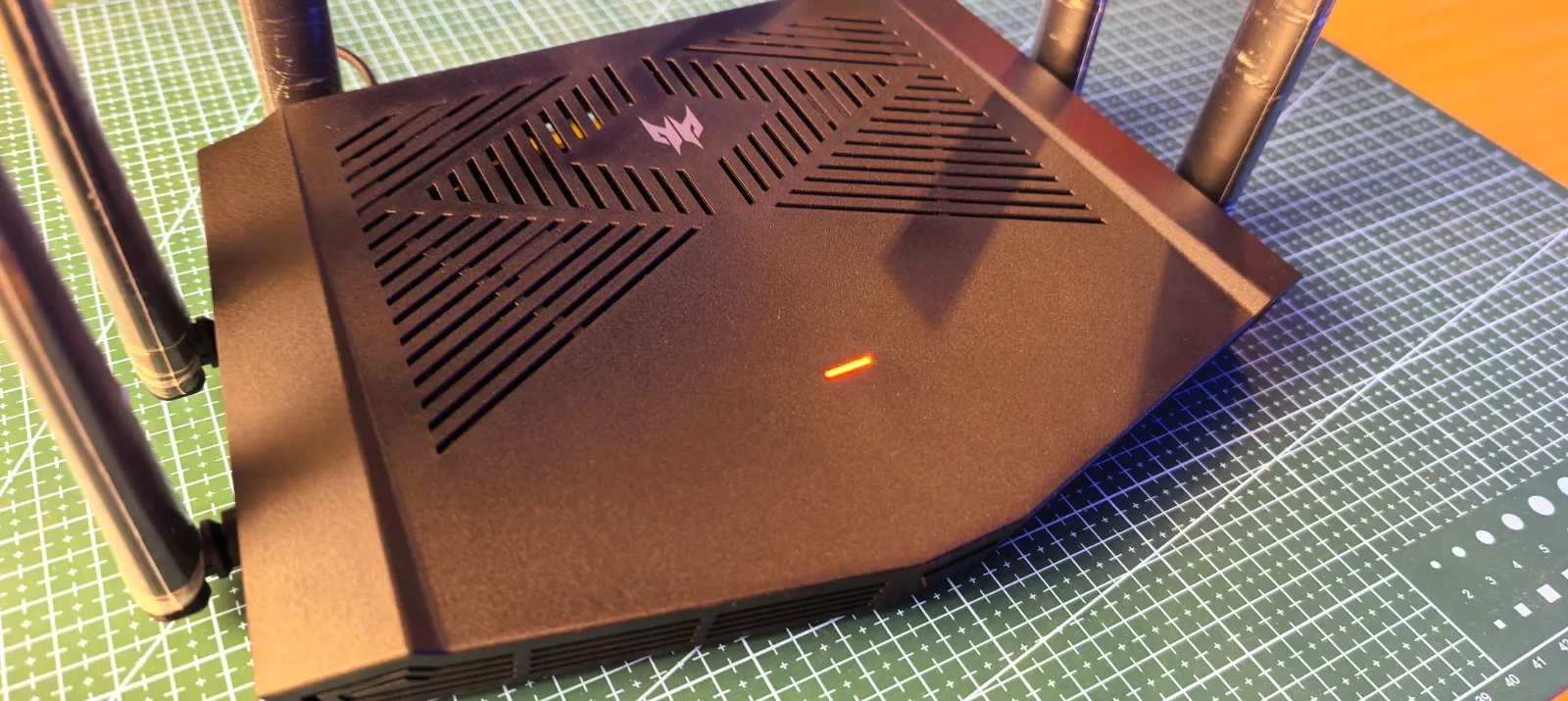
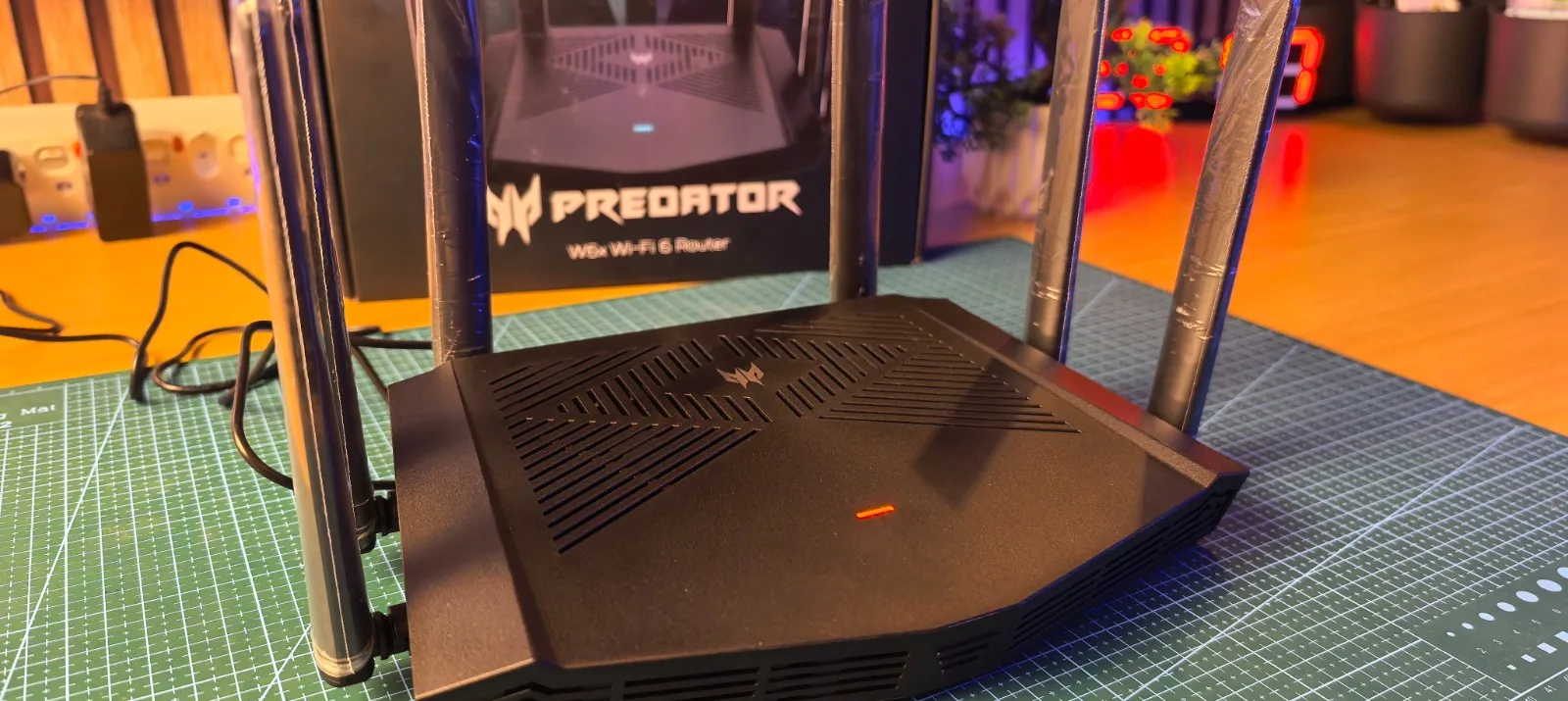
The Predator Connect W6X is part of ASUS’s Predator gaming lineup, designed specifically for gamers and high-performance households. Unlike standard ISP routers, it focuses on reducing lag, prioritising gaming traffic, and handling multiple devices efficiently.
This isn’t just about aesthetics (although it does look the part). It’s built to improve real-world performance where it matters mostly, your connection stability.
| Input | Fiber / 5G via WAN (ISP dependent) |
| Standard | Wi-Fi 6 (802.11ax) |
| Dual-band speeds | (2.4GHz): Up to ~574 Mbps (5GHz): Up to ~2402 Mbps |
| Coverage | Solid coverage for medium to large homes |
| Security | WPA3 security |
| Weight | 500–600g |
| Antennas | Six high-performance antennas |
| Processor | Dual-core CPU |
| RAM | 512MB |
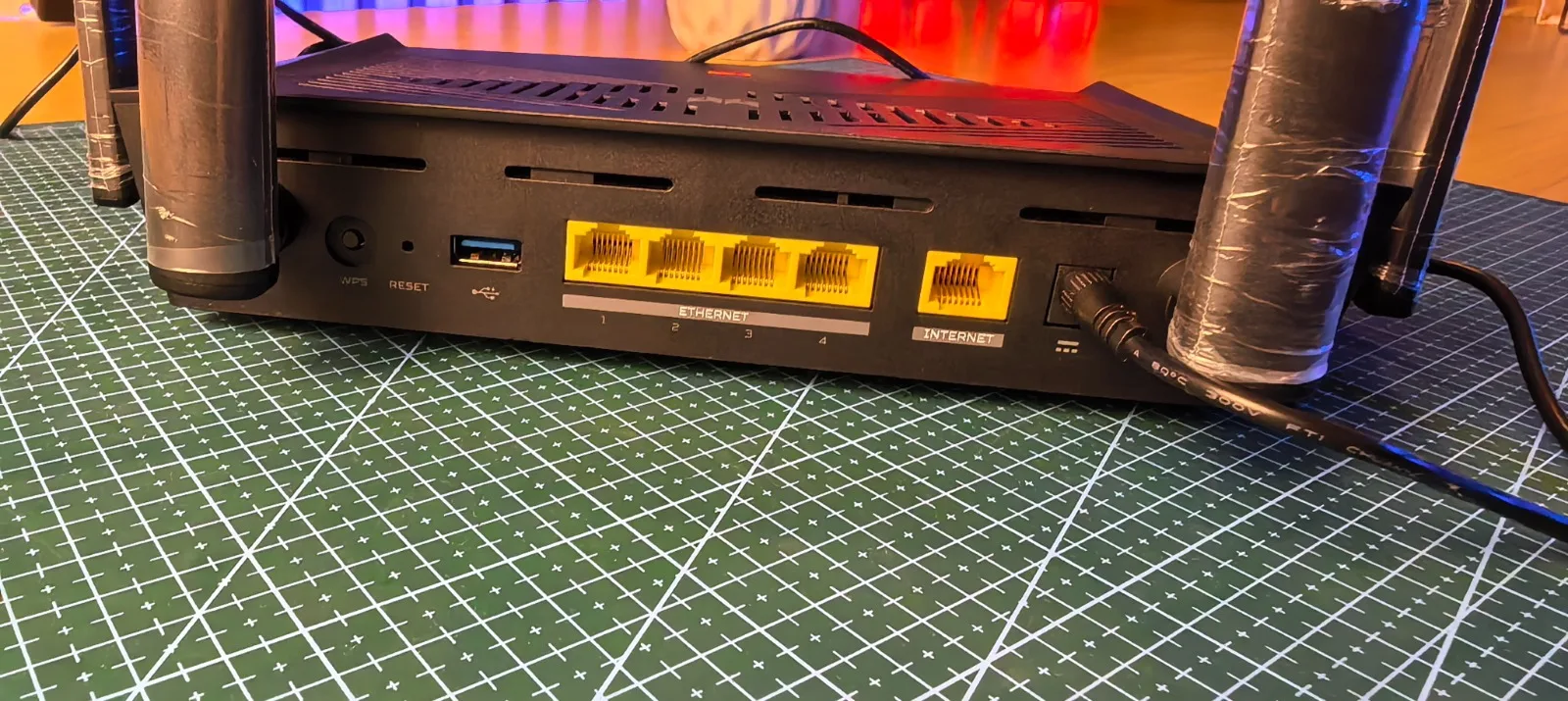
| Ports | WAN port 4x Gigabit LAN ports Power input |
| Features | QoS (Quality of Service for gaming priority) Device prioritisation Low latency optimisation App-based control |
| Voice Assistants | Google Assistant Amazon Alexa |
Setup: Quick and Easy
Setting up the Predator Connect W6X is straightforward:
- Plug it in
- Open the app
- Follow the guided setup
The interface is clean and responsive, allowing you to monitor devices, pause internet access, and prioritize your gaming setup instantly.
Gaming Performance: Where It Shines
This is where the Predator Connect W6X really proves its value. With built-in low latency optimization, it delivers a more stable ping during online gaming sessions, which is critical for competitive play. The router’s traffic prioritization ensures your gaming device, whether PC or console, gets priority bandwidth over other activities on the network. In real-world use, this translates to more consistent gameplay, even when multiple devices are connected and active. These gamer-focused features help reduce interruptions and keep performance smooth, especially in fast-paced online titles.
Target Audience and Price
The Predator Connect W6X is ideal for:
- Gamers on a budget
- Families with multiple connected devices
- Streamers and content creators
- Anyone tired of fighting for bandwidth at home
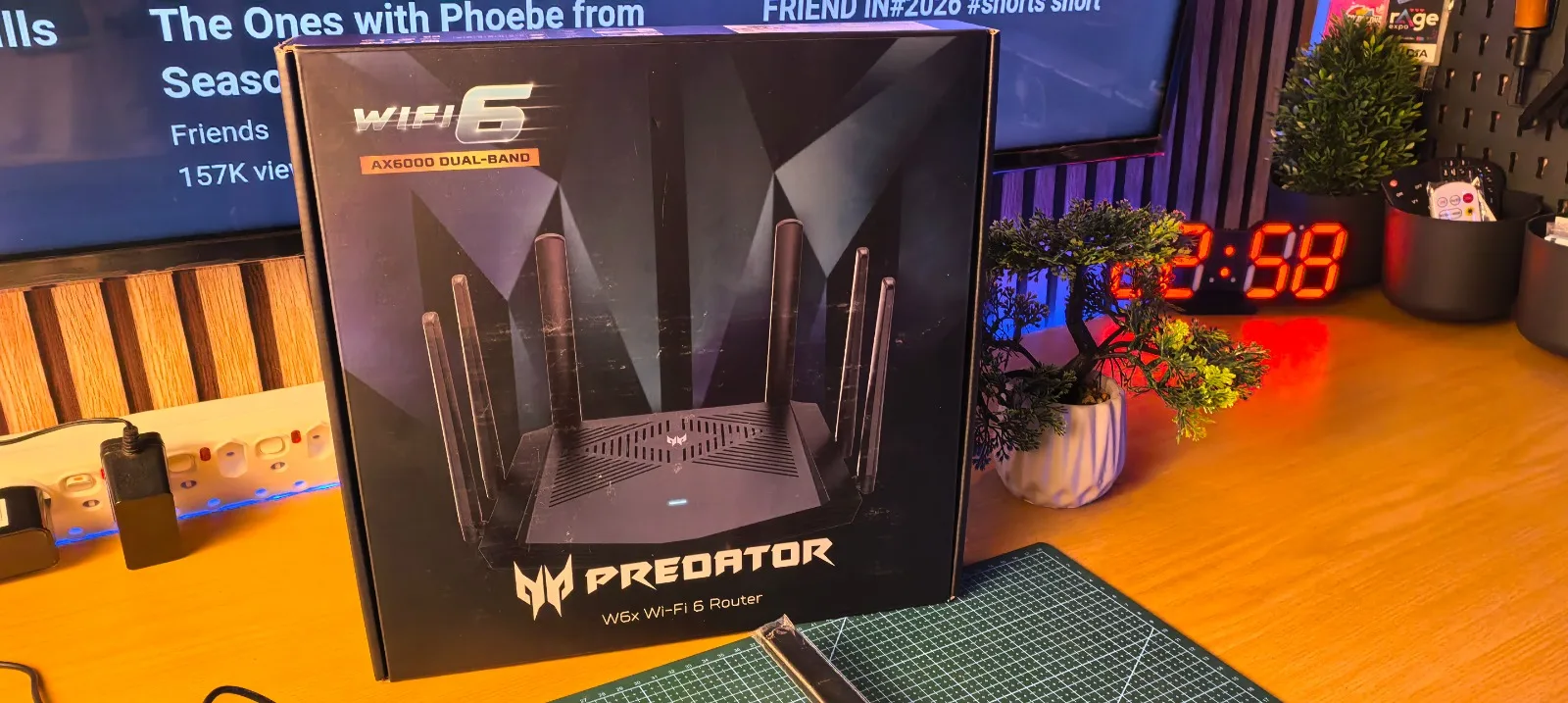
At R1,999, this router sits in a highly competitive price bracket for Wi-Fi 6 gaming routers in South Africa. It offers excellent value, especially considering its gaming-focused features.
Pros and Cons
Pros
- Affordable Wi-Fi 6 performance
- Strong gaming optimization features
- Easy setup and intuitive app
- Eye-catching RGB design
- Stable multi-device performance
Cons
- No Wi-Fi 6E support
- Limited advanced/pro-level controls
- Design may be too “gamer-focused” for some users
Final Verdict
Truth be told, the Predator Connect W6X honestly surprised us. It’s the second ASUS device in recent times that has delivered beyond expectations, especially at this price point. It combines a bold, gamer-focused design with performance that actually matters, stable connectivity and low latency where it counts most. In real-world use, it consistently delivers smooth performance across gaming, streaming, and multiple connected devices.
It’s not the most advanced router out there, and it does skip out on features like Wi-Fi 6E and deeper pro-level controls. But for R1,999, it strikes a strong balance between affordability and functionality. Compared to standard ISP routers and others in the same price range, its gaming-focused features give it a clear edge. If you’re a gamer on a budget looking for reliable, consistent performance without overspending, this is easily one of the simplest recommendations right now.