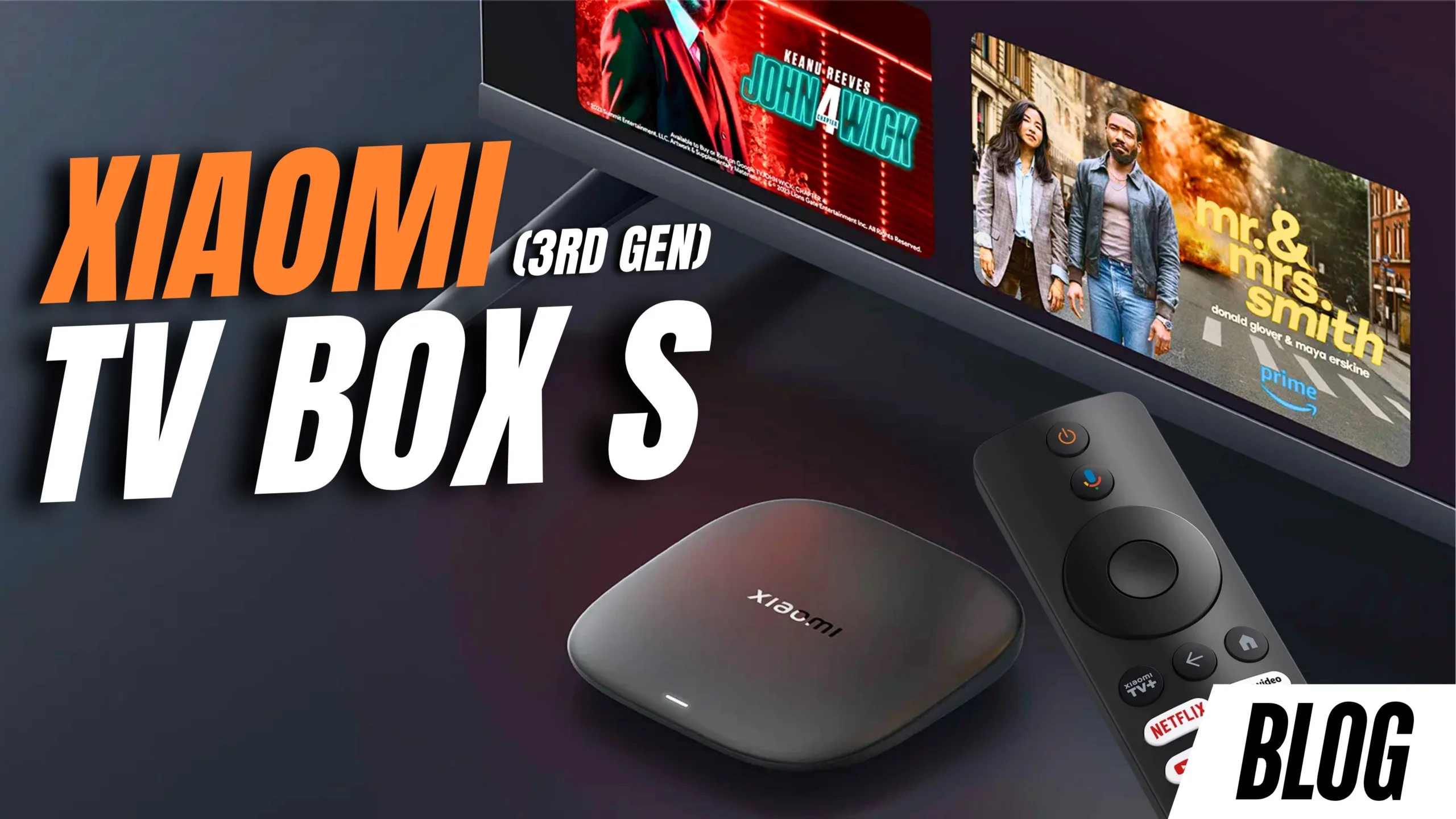
Xiaomi TV Box S (3rd Gen) Review: The Best Budget 4K Streaming Upgrade in South Africa?
If your smart TV is starting to feel… not so smart anymore, there’s a simple upgrade you might be overlooking. The Xiaomi TV Box S (3rd Generation) promises faster performance, better visuals, and a full Google TV experience, without the cost of replacing your entire television.
In this detailed review, we break down everything you need to know, from features and setup to real-world performance, so you can decide if it’s worth the R1,299 price tag.
What Is the Xiaomi TV Box S (3rd Gen)?
The Xiaomi TV Box S (3rd Gen) is a compact Android TV media player designed to upgrade any TV with an HDMI port. Whether you have an older smart TV or a completely non-smart TV, this device brings modern streaming features into your setup.
It supports:
- 4K streaming (3840 x 2160)
- HDR formats including Dolby Vision and HDR10+
- Immersive audio with Dolby Atmos
- A fully certified Google TV experience
At around R1,299, it positions itself as one of the most affordable premium streaming upgrades available in South Africa.
What’s in the Box?
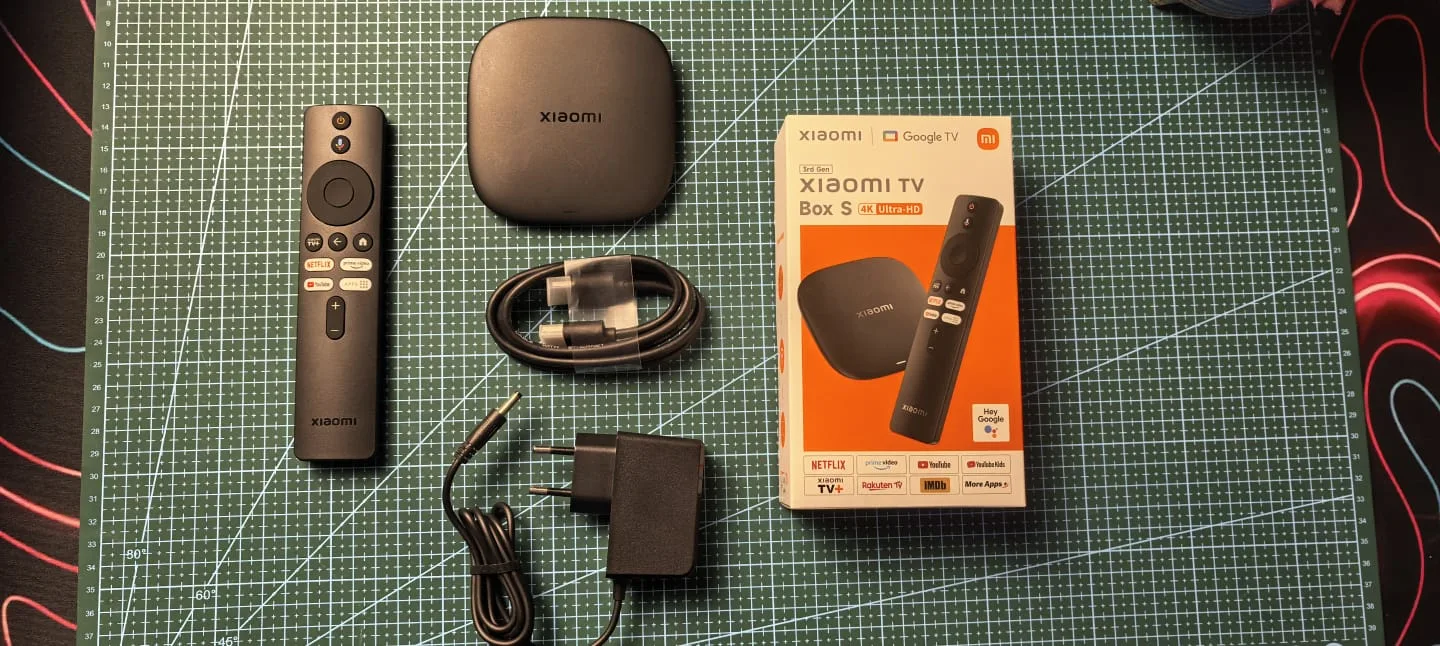
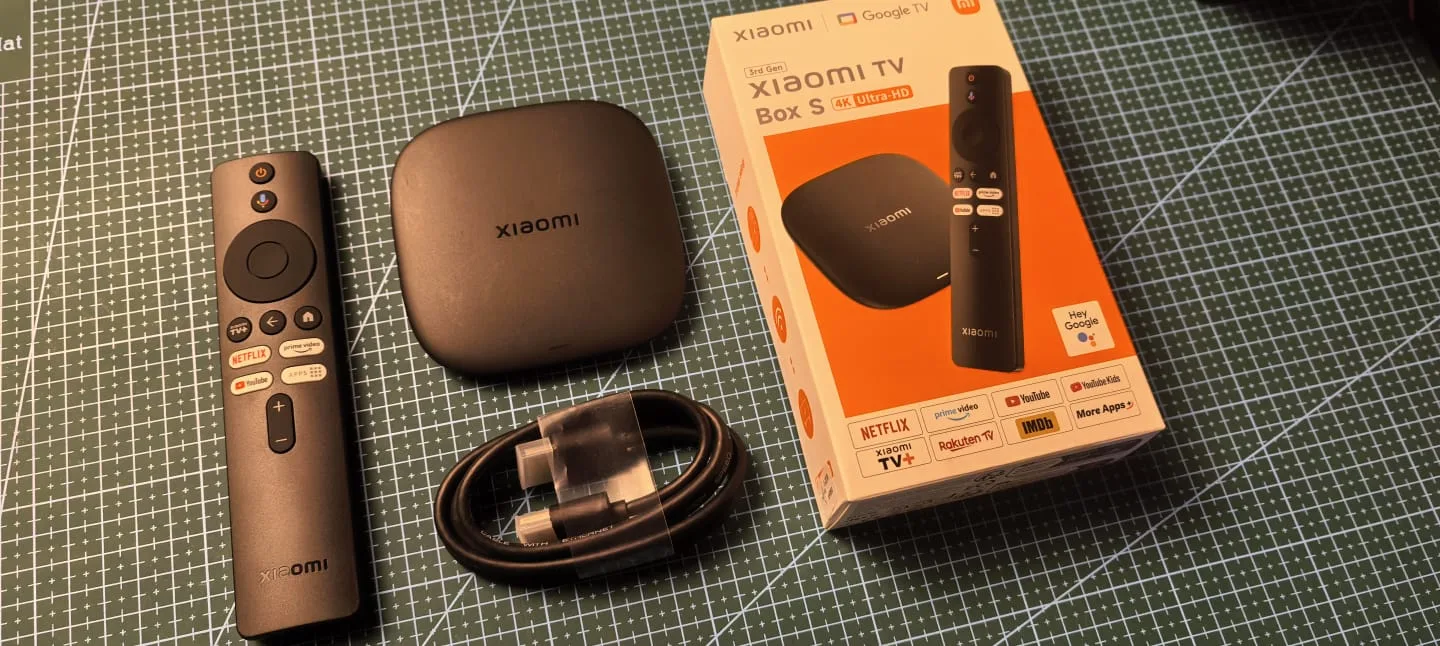
Xiaomi keeps things minimal and practical. Inside the box, you get:
- Xiaomi TV Box S (3rd Gen) unit
- Bluetooth remote control
- HDMI cable
- 12V power adapter
No unnecessary extras, just everything you need to get started.
| Display | Resolution: Up to 4K (3840 × 2160) HDR Support: Dolby Vision, HDR10+ Refresh Rate: Up to 60Hz Video Codecs: AV1, VP9, H.265 |
| Ports | HDMI 2.1 USB 2.0 Power input |
| Connectivity | Wi-Fi 6 Bluetooth 5.2 |
| Processor | Quad-core ARM Cortex-A55 processor |
| Storage and RAM | 2GB RAM 32GB internal storage |
| OS | Google TV |
| Certifications | Netflix 4K Prime Video 4K YouTube 4K Dolby Vision Dolby Atmos |
| Bonus Features | Chromecast built-in Google Assistant voice control Bluetooth remote with shortcut buttons |
Setup Experience: Simple & Modern
Setting up the Xiaomi TV Box S is refreshingly easy:
- Plug in HDMI and power
- Follow on-screen instructions
- Use your phone to scan a QR code
- Complete setup via your smartphone
The system automatically:
- Imports your Wi-Fi settings
- Logs into your Google account
- Syncs preferences
This is far easier than typing passwords with a remote.
User Interface & Experience
On the interface side, the Xiaomi TV Box S (3rd Generation) runs on Google TV, but with a slightly customized Xiaomi look and feel. It’s more streamlined than what you’d typically expect from standard Android TV boxes, with content recommendations and apps neatly organized on the home screen.
Navigation feels smooth and responsive, and everything from opening apps to browsing suggestions happens without noticeable lag. It still includes all the familiar essentials, like Prime Video, YouTube, and other streaming apps, but presents them in a cleaner, more personalized layout. Overall, it strikes a good balance between simplicity and functionality, making it easy to jump straight into watching content.
Who Is It For?
This device really shines as a practical upgrade rather than a luxury gadget. If you’ve got an older smart TV that’s slowed down over time, or even a non-smart TV, this box brings it right up to speed with modern streaming features.
It also makes a lot of sense for secondary setups, like a bedroom or guest room, where you don’t want to spend heavily on a brand-new TV. Students, renters, and casual streamers will especially appreciate how much functionality you get at this price point. Instead of replacing your entire setup, this is a simple way to make what you already own feel new again.
Xiaomi TV Box S (2nd Gen vs 3rd Gen)
Compared to the previous generation, the upgrades here are more about refinement than reinvention. The newer model feels noticeably faster in everyday use, thanks to the improved processor, and the addition of Wi-Fi 6 helps with more stable and quicker streaming.
There’s also more internal storage this time around, which gives you extra breathing room for apps and downloads. On top of that, HDR performance has been improved, and the overall Google TV experience feels smoother and more responsive. It’s not a drastic leap, but it’s enough to make the third generation feel more polished and future-ready.
Pros & Cons
Pros
- Excellent 4K HDR performance
- Smooth Google TV interface
- Wi-Fi 6 support
- Compact and portable design
- Great value for money
Cons
- No Ethernet port
- Only 2GB RAM
- No expandable storage
Final Verdict: Should You Buy It?
At its core, the Xiaomi TV Box S (3rd Generation) is all about delivering a modern smart TV experience without the cost of buying a new television, and it does that really well. It’s fast, reliable, fully certified for major streaming platforms, and packed with features like Dolby Vision and Dolby Atmos that you’d usually expect from more expensive setups.
For most people, especially if your current TV is starting to feel outdated, this is simply a smarter and more cost-effective upgrade. If you’re looking for an easy way to breathe new life into your TV, this is a solid choice.