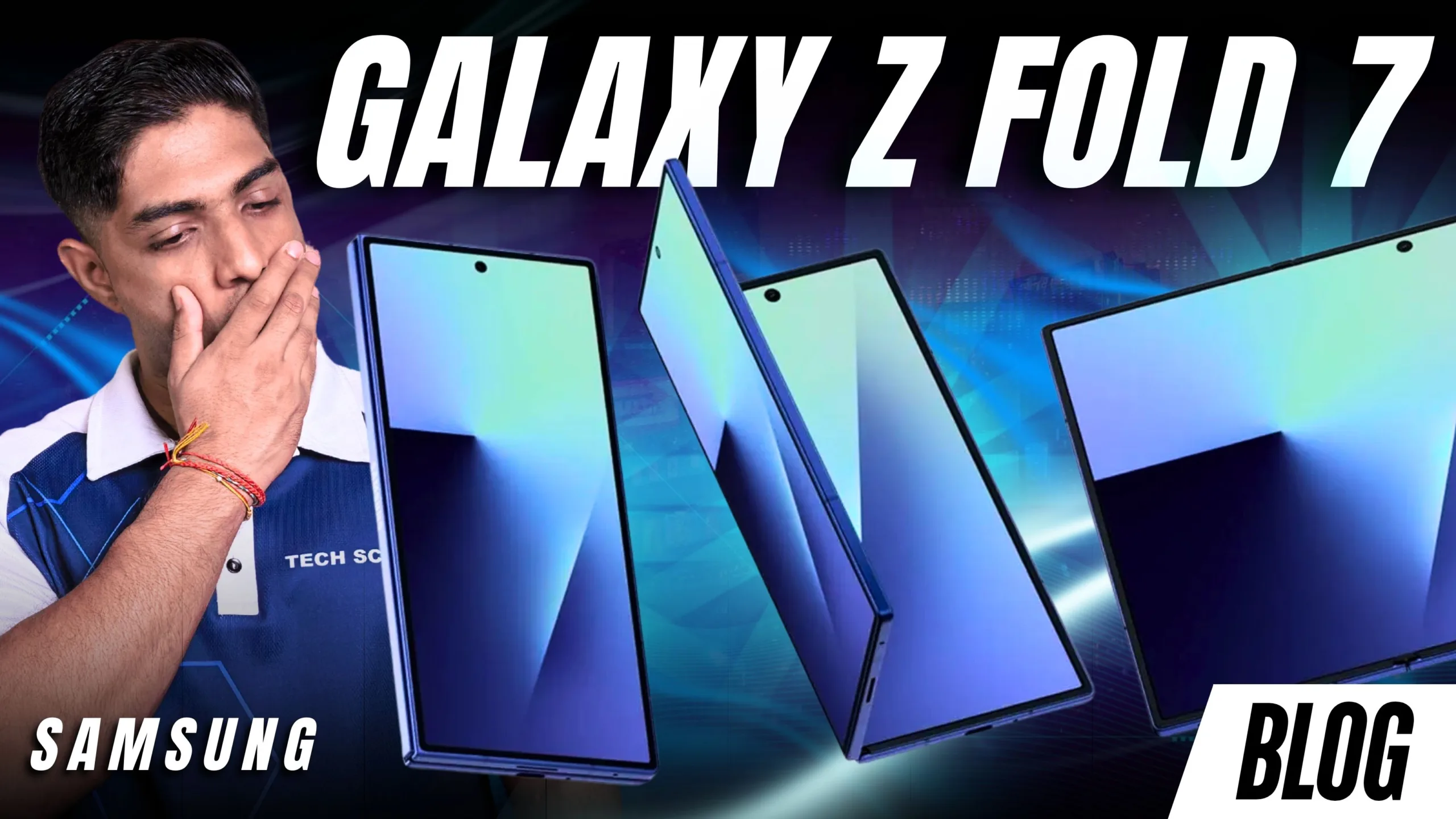
Samsung Galaxy Z Fold 7 Review: Samsung’s Most Refined Productivity Foldable Yet
Foldable smartphones have steadily evolved from experimental devices into serious productivity tools. With the launch of the Samsung Galaxy Z Fold 7, Samsung is continuing its push to redefine what a smartphone can do.
The Fold 7 isn’t just about the novelty of a folding screen anymore. Instead, Samsung is positioning this ultra-premium device as a productivity powerhouse designed for professionals, creators, and power users who want to get more done from a single device. But with a premium price tag and incremental upgrades over its predecessor, the big question remains: Is the Galaxy Z Fold 7 worth it?
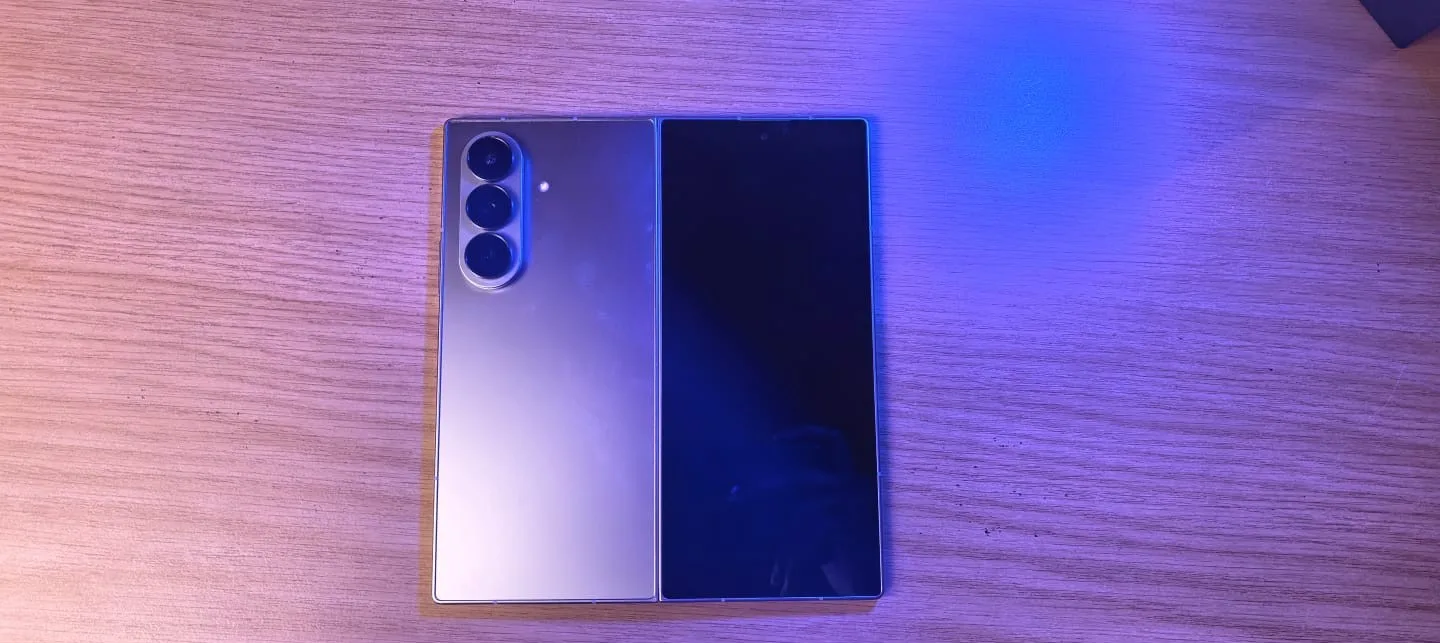
Specs
| Display | Outer Display: 6.3-inch Dynamic AMOLED 2X Inner Display: 7.6-inch Dynamic AMOLED 2X Refresh Rate: Adaptive 1–120Hz Brightness: Up to 2,600 nits |
| Build | Armor Aluminum frame Gorilla Glass Victus protection Improved Flex Hinge with reduced crease visibility |
| Weight | Approximately 239 grams |
| OS | Android 15 One UI optimized for Foldables |
| Processor | Snapdragon 8 Gen 3 for Galaxy |
| Storage | 256GB 512GB 1TB |
| Memory | 12GB RAM (256GB & 512GB models) 16GB RAM (1TB model) |
| Network | 5G Sub-6 and mmWave support Dual SIM (physical + eSIM) |
| Connectivity | Wi-Fi 6E Bluetooth 5.3 USB-C NFC |
| Battery & Charging | 4,400mAh battery 25W wired charging Wireless charging Wireless PowerShare |
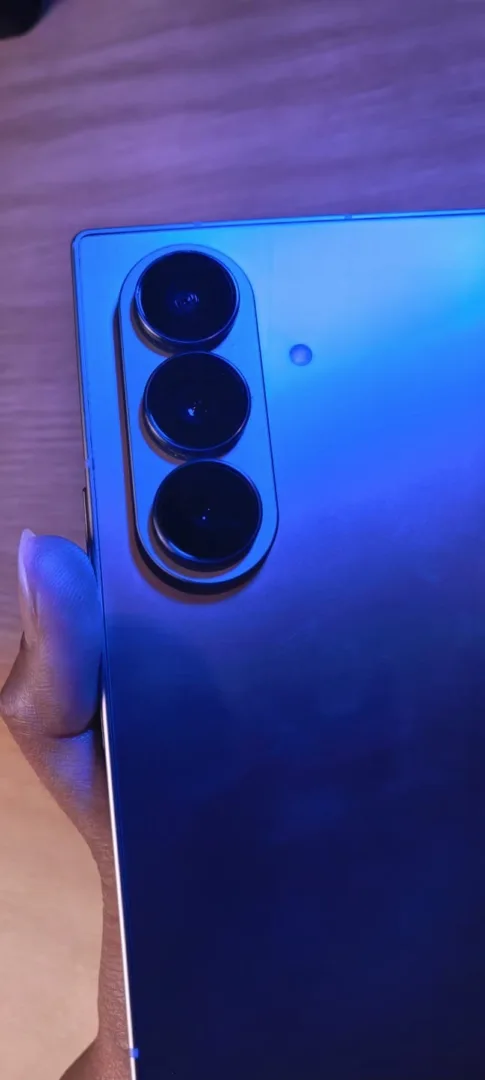
| Camera | 50MP main camera 12MP ultra-wide 10MP telephoto Under-display inner camera Cover screen selfie camera |
| Bonus Features | S Pen support (sold separately) Samsung DeX Multi-window taskbar Secure Folder Knox security |
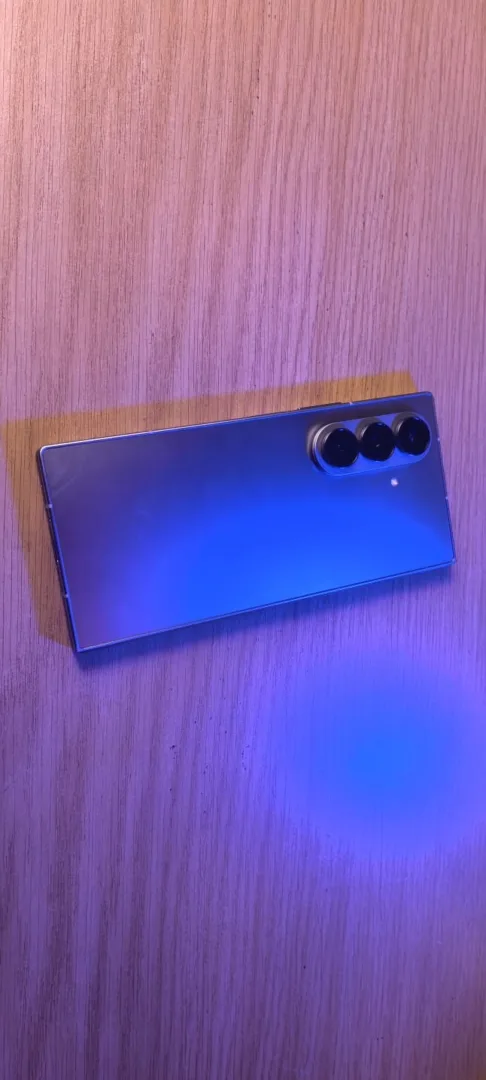
Galaxy Z Fold 7 vs Previous Fold Models
With the Samsung Galaxy Z Fold 7, Samsung focuses more on refinement than a complete redesign. The updated hinge is slimmer and more polished, making the device feel sturdier and more premium when opening and closing it. At the same time, the brighter displays and improved build quality make both the outer and inner screens more practical for everyday use.
Performance also gets a boost thanks to the Qualcomm Snapdragon 8 Gen 3 for Galaxy, which improves multitasking and overall responsiveness, especially when using split-screen apps or floating windows on the larger internal display.
For users upgrading from the Samsung Galaxy Z Fold 5 or Samsung Galaxy Z Fold 6, the improvements are noticeable but not drastic. However, for anyone coming from a traditional smartphone, the Fold 7 offers a completely different experience by transforming from a standard phone into a tablet-sized productivity device when unfolded.
Target Audience and Pricing in South Africa
The Galaxy Fold 7 is clearly targeted at business professionals, entrepreneurs, content creators, and productivity-focused users. It’s not just a casual upgrade. It’s a device for people who want to do more with their phones. The Samsung Galaxy Z Fold 7 sits firmly in the ultra-premium category.
Approximate pricing:
- 256GB / 12GB RAM – R45,000
- 512GB / 12GB RAM – R52,700
- 1TB / 16GB RAM – around R52,000+
However, promotional deals can sometimes bring the entry model down to around R35,000, making it slightly more accessible.
Pros and Cons
Pros
- Excellent multitasking capabilities
- Large, high-quality displays
- Powerful performance
- Premium build quality
- Strong foldable software optimization
Cons
- Very expensive
- Cameras are good but not Samsung’s best
- Battery is average for heavy users
- Crease visibility may vary
Final Thoughts on The Samsung Galaxy Z Fold 7
The Samsung Galaxy Z Fold 7 represents Samsung’s most mature foldable smartphone yet. It’s lighter, faster, more refined, and more capable than previous models. More importantly, it proves that foldable smartphones can be serious productivity devices rather than just experimental gadgets. If you’re a business professional, entrepreneur, or content creator, the Fold 7 offers a compelling combination of portability and productivity. For everyone else, however, the high price may still make it a niche device. But one thing is clear foldables like the Samsung Galaxy Z Fold 7 are getting closer to replacing multiple devices in your daily workflow.