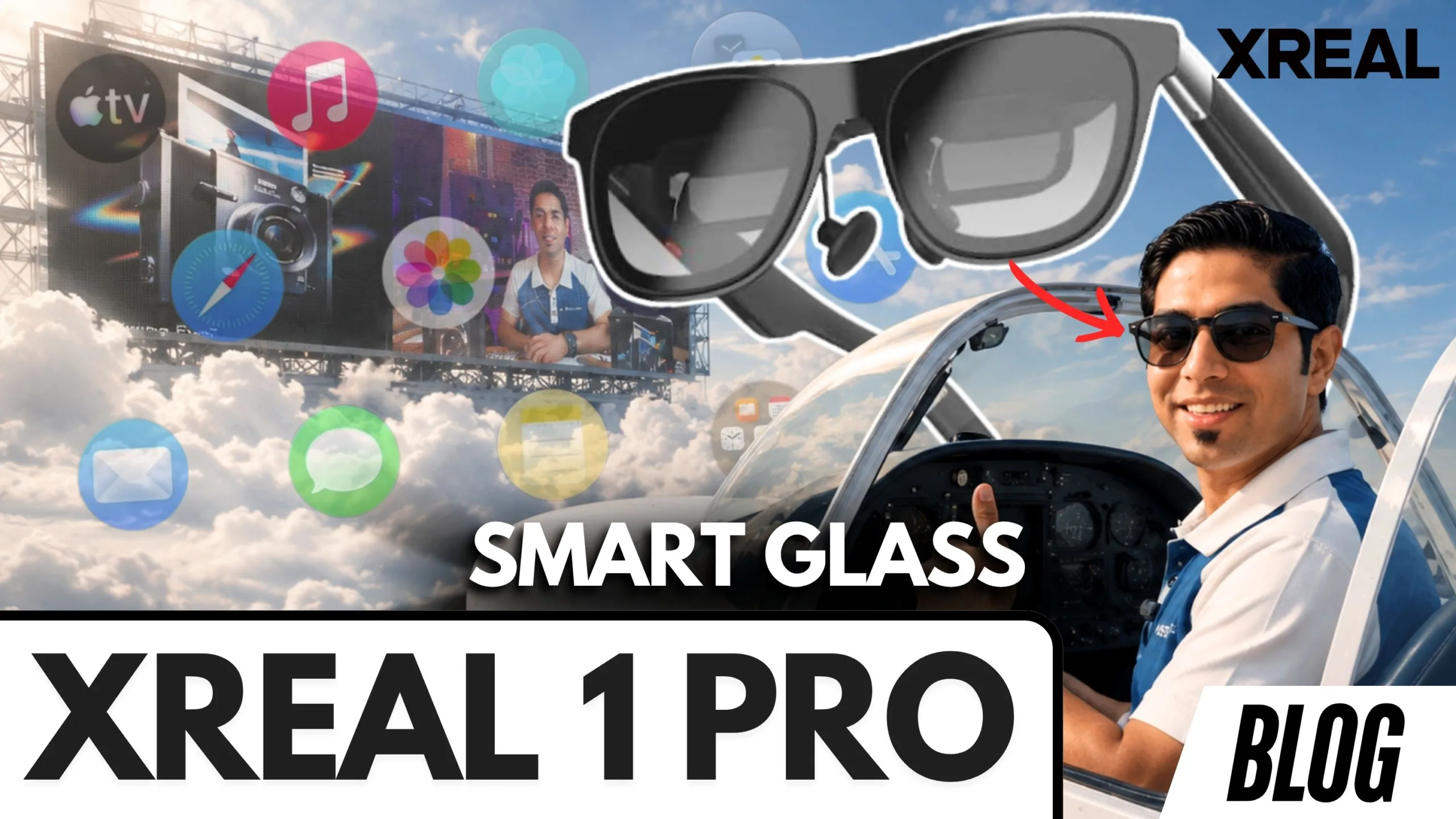
Can a pair of lightweight glasses replace your TV, monitor, or even part of your laptop setup? That’s exactly what the XREAL One Pro aims to do. Imagine carrying a massive virtual display in your pocket, ready to connect to your smartphone, gaming handheld, or laptop whenever you need it. Whether you’re working remotely, watching movies on a flight, or gaming on the go, the XREAL One Pro promises an immersive augmented reality (AR) experience without the bulk of a traditional VR headset. After spending time with the glasses, including using them while traveling, it’s safe to say they’re one of the most impressive AR products currently available.
What is the XREAL One Pro?
The XREAL One Pro is the company’s flagship pair of AR display glasses. Rather than replacing your vision with virtual reality, the glasses project a massive virtual display directly in front of your eyes while still allowing you to remain aware of your surroundings. The result is an experience that feels like carrying a 137-inch to 222-inch display wherever you go. Unlike bulky VR headsets, the XREAL One Pro looks much closer to a premium pair of sunglasses, making it practical enough to wear in public.
The focus is simple:
- A massive portable display
- Lightweight comfort
- Excellent image quality
- Productivity anywhere
- Portable entertainment
Design and Build Quality
One of the first things you’ll notice is just how premium the XREAL One Pro feels. The glasses are lightweight, stylish, and comfortable enough for extended use. The adjustable nose pads help achieve a proper fit, while the foldable design makes them easy to slip into the included carrying case.
Instead of looking like futuristic headgear, they resemble everyday sunglasses, making them far less intimidating to wear while traveling or working in public spaces.
What’s Included in the Box?
Inside the premium packaging you’ll find:
- XREAL One Pro glasses
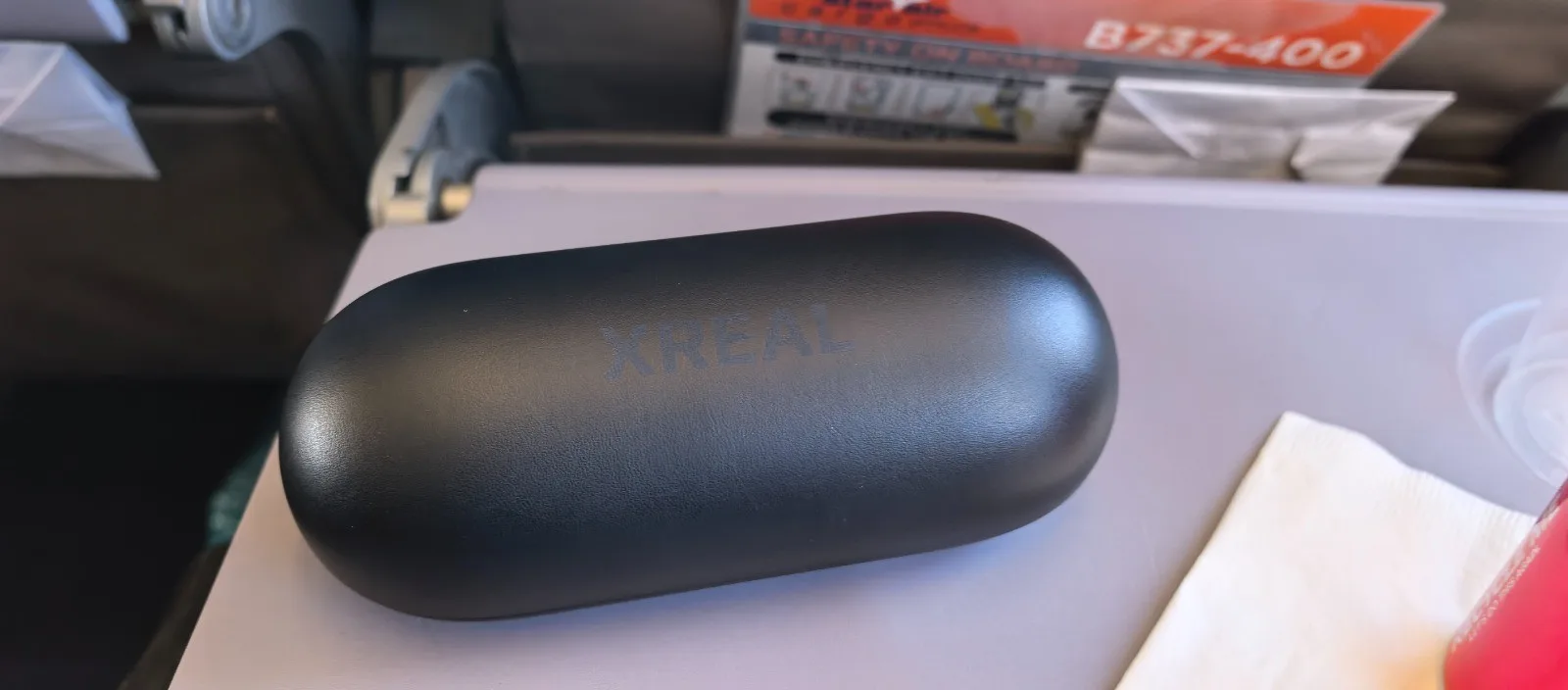
- Protective carrying case
- USB-C to USB-C cable
- Cleaning cloth
- Multiple nose pad sizes
- Prescription lens frame
- User manuals
One standout inclusion is the prescription lens frame. If you wear glasses, you can take the frame to your optometrist and have your prescription lenses fitted. This means you don’t have to choose between clear vision and using the XREAL glasses, you get both.
XREAL One Pro Specifications
| Display | Sony Micro-OLED display |
| FOV | 57° |
| Adjustable Lens Transparency | 3 Modes Electrochromic Dimming |
| High Visibility(AR) | Certified by TÜV Rheinland New Standard |
| Resolution | 4 Million Pixels,1080p |
| Highest Refresh Rate | 120 Hz Highest Refresh Rate |
| Color Accuracy | 700 nits |
| IPD Adjustment | Optional IPD supported |
| Eye Comfort(AR) | Certified by TÜV Rheinland New Standard |
| Flicker-free, Low Blue Light(Hardware Solution) | Certified by TÜV Rheinland New Standard |
| UV Protection | 100% UV Protection |
| Weight | 87 g |
| Processor | X1 Spatial Computing Chip |
| Audio | Integrated speakers built directly into the frame |
| Connection | Connect through USB-C Compatible with a wide range of devices, including smartphones, tablets, gaming handhelds, laptops |
Display Quality: The Real Magic
The display is where the XREAL One Pro truly shines. Movies feel cinematic. Games become immersive. Even simple desktop work feels surprisingly natural. Thanks to the Micro-OLED panels, colours pop while blacks remain incredibly deep. Text stays crisp, making the glasses genuinely usable for productivity rather than simply entertainment. The wider field of view also creates a much larger virtual workspace than previous generations.
Easy Setup and Smart Features
Getting started couldn’t be simpler.
Simply:
- Connect the USB-C cable to the glasses.
- Plug the other end into a compatible device.
- Choose your language.
- Start using your virtual display.
The software then allows extensive customisation.
You can adjust:
- Screen size
- Display distance
- Brightness
- Display calibration
- Spatial positioning
Perhaps the most impressive feature is the ability to resize your virtual monitor from 137 inches all the way up to 222 inches. You can even position that screen between 1 metre and 10 metres away, depending on your preference.
Follow Mode vs Anchor Mode
The XREAL One Pro offers multiple viewing modes.
Follow Mode
The display follows your head movements, keeping the screen centred in your field of view. This mode is perfect for watching movies, gaming, and travelling
Anchor Mode
Anchor Mode pins the display to a fixed point in space. Turn your head, and the display stays exactly where you placed it. This creates the illusion of having an actual monitor floating in front of you.
Electrochromic Dimming
One of the standout features is the electrochromic dimming system. When you’re focused on the virtual display, the lenses darken to improve visibility.
Look away, and the lenses become transparent again, allowing you to easily see your surroundings. It’s both practical and surprisingly futuristic.
Spatial Anchoring
Spatial Anchoring takes immersion even further. Instead of the display following you, you can pin it to a physical location.
Walk around the room and the virtual monitor remains exactly where you placed it. It feels remarkably natural.
Ultra-Wide Monitor Mode
If you’re used to working on an ultra-wide monitor, you’ll appreciate this feature.
The XREAL One Pro can simulate an ultra-wide desktop, giving remote workers and professionals a much larger digital workspace without carrying an actual monitor.
Productivity on the Go
For many users, productivity will be the biggest selling point. Imagine sitting in a coffee shop with what appears to be a giant desktop monitor floating in front of you. To everyone else, you’re simply wearing a pair of glasses.
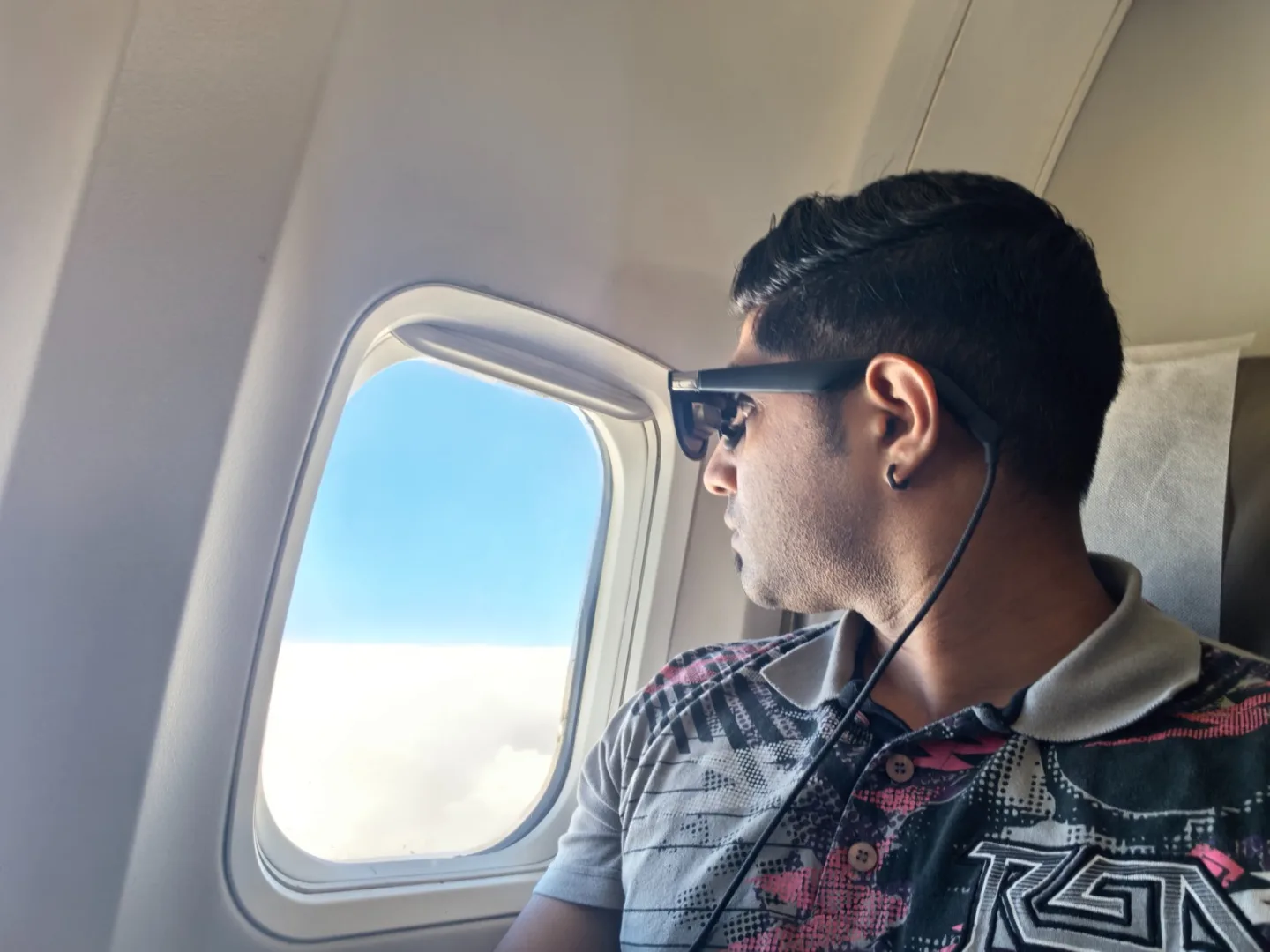
For, Remote workers, Students, Digital nomads, Developers, Video editors, Business travellers, this can dramatically improve portable productivity. One of the biggest surprises was using the glasses while flying home from Cape Town. Watching Formula 1 highlights on what felt like a 200-inch screen while flying above the clouds was an unforgettable experience.
Privacy Benefits
The XREAL One Pro also offers a level of privacy that traditional monitors simply can’t match.Nobody around you can see what you’re viewing. Whether you’re working on confidential documents or simply watching Netflix during a flight, your screen remains completely private.
Gaming with the XREAL One Pro
Gaming is another area where these glasses excel.
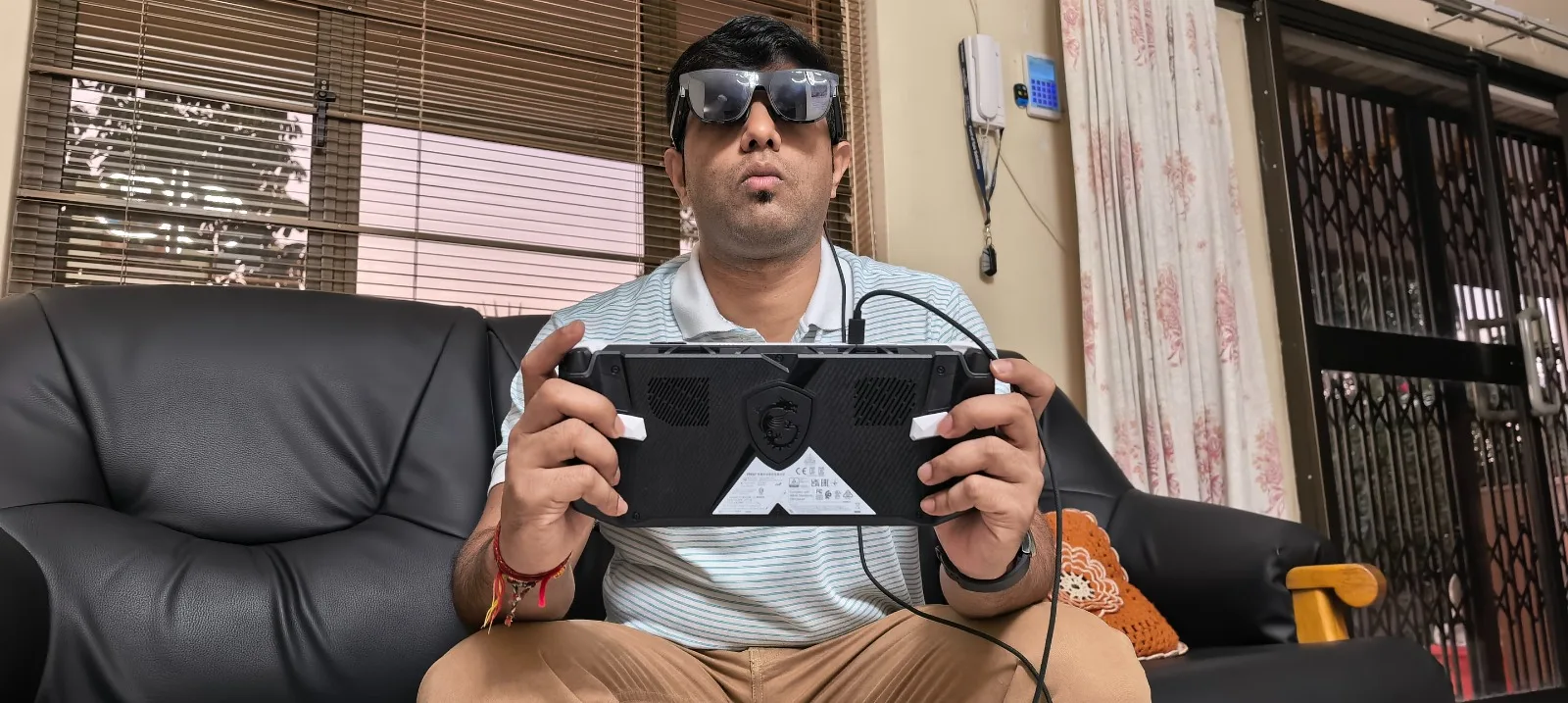
Pair them with devices like, ASUS ROG Ally X, MSI Claw, gaming laptops and compatible smartphones and you instantly have what feels like a giant gaming monitor wherever you are. The sharp visuals, smooth tracking, and large virtual display make handheld gaming significantly more immersive.
XREAL Eye: Adding First-Person Cameras
One of the most exciting accessories is the XREAL Eye. This compact camera attaches directly to the glasses, allowing you to capture photos and short videos from your exact point of view.
Features include:
- First-person photo capture
- 15- or 60-second video recording
- 2GB internal storage
- Easy export of captured media
For creators, travellers, and vloggers, it’s a convenient way to record experiences without pulling out your phone. While it isn’t designed to replace products like the Meta Ray-Ban smart glasses, it adds an entirely new layer of functionality to the XREAL ecosystem.
XREAL One Pro vs XREAL One S
Not everyone needs the flagship model. The XREAL One S delivers many of the same core experiences at a more affordable price.
Both models include:
- X1 Spatial Computing Chip
- Large virtual displays
- Smooth head tracking
- Productivity features
The One Pro focuses on delivering the absolute best visual experience and includes additional premium accessories, such as the prescription lens frame. The One S, meanwhile, offers an excellent entry point into the XREAL ecosystem without sacrificing the core AR experience. For most first-time buyers, the One S may represent the best value. Power users, however, will appreciate the premium refinements found in the One Pro.
Beam Pro: Unlocking the Full XREAL Experience
The Beam Pro is more than an accessory, it’s the brain of the XREAL ecosystem. Running Nebula OS, it transforms the glasses into a dedicated spatial computing platform. With Beam Pro, you can browse the web, stream content, run Android apps, access cloud services, create spatial workspaces, map virtual displays and experience 3DoF and 6DoF interactions
Instead of simply acting as an external monitor, the glasses become a standalone AR computing platform. For anyone planning to fully invest in the XREAL ecosystem, the Beam Pro is one of the most valuable upgrades available.
Who Should Buy the XREAL One Pro?
The XREAL One Pro is an excellent choice for:
- Frequent travellers
- Remote workers
- Students
- Gamers
- Content creators
- Tech enthusiasts
- Anyone wanting a portable private display
If your lifestyle involves working, gaming, or consuming media away from a desk, these glasses make a compelling case.
Final Verdict: Is the XREAL One Pro Worth It?
The XREAL One Pro represents one of the most mature AR glasses experiences currently available. The combination of premium build quality, Sony Micro-OLED displays, the X1 Spatial Computing Chip, Bose-tuned audio, and thoughtful accessories creates a genuinely useful product rather than an experimental gadget. Add the XREAL Eye for first-person content creation or the Beam Pro for full spatial computing, and the ecosystem becomes even more powerful. After experiencing everything from watching Formula 1 highlights above the clouds to gaming on a virtual giant display, it’s easy to understand why these glasses leave such a strong impression. If you’ve been waiting for AR glasses that feel practical enough for everyday use, the XREAL One Pro is one of the strongest options on the market today.